3sbd1 Login: sign in with your phone number
Sign in with the mobile number you used at sign-up and the password you chose then. Those two details work in the browser and in the Android app, so nothing has to be set up twice.
18+ Play Responsibly · Set your own limits
Log in to 3sbd1
Secure your sign-in: five habits worth keeping
Your login is the only door to your balance, so the two details you type there matter more than anything else you do on the site. Most blocked accounts we see begin with a password reused from another app or a SIM that went out of use. These five habits take minutes to set and cover both.
- Keep this password to itselfDo not reuse the password from your email, Facebook or bKash account. If a stranger gets it from another site, they will try it here within hours. A long phrase you can type quickly beats a short, clever one.
- Guard the number on your profileYour mobile number receives the codes and tells support which account is yours. Keep the SIM active, and message live chat the day you lose it so the number can be frozen before anyone else tries it.
- Sign out on phones you shareA cousin's handset, a cyber café desk, a shop phone: tap Log out when you finish. Browsers keep a session open quietly, and the next person at that screen should not inherit your balance and betting history.
- Check the address before typingOpen 3sbd1.org yourself or use your own bookmark. Login links that arrive by SMS, Telegram or Facebook message are the most common way players hand over a password that was perfectly safe until then.
- Treat one-time codes like cashA six-digit code can confirm a login or push a withdrawal through. Read it to nobody, not even someone who says they are from the site. Our live chat team never asks for your password or that code.
Fix a login that will not go through
Six things go wrong with sign-in again and again. Find the message you are seeing in the left column, read the likely cause, then follow the fix. Work down the table before you open a second account, because two accounts make a balance much harder to find.
| What the screen shows | Usual cause | What to do |
|---|---|---|
| Password is refused | Caps lock is on, the keyboard switched to another layout, or the password was changed on a different phone. | Type it in a notes app first so you can see every character, then retype it. If it still fails, use the reset steps further down. |
| The SMS code never arrives | Operator delay, a full inbox, or the number saved with +88 in front of it. | Wait a minute, check blocked and spam folders, then request once more. Codes only go to the number registered on the account. |
| Number not recognised | The account was opened with a different SIM, often a second number or a family member's phone. | Try the number you used for your first bKash deposit. If neither works, register again and let live chat trace the old balance. |
| Page reloads with empty fields | Browser autofill replaced your password with an old saved one, or a cached copy of the page is loading. | Clear both fields, type them by hand, refresh with Ctrl+F5, or sign in from a private window to rule out extensions. |
| Too many attempts message | Several wrong passwords were entered in a short window, so sign-in on that number paused. | Stop guessing. Let the pause clear, then reset the password once and log in with the new one instead of retrying old guesses. |
| App closes as you sign in | Android older than 8.0, or an old APK file that was never updated on the phone. | Install version 2.8.10 (32 MB) from the app page, accept the file manager install prompt, then sign in once more. |
Still stuck after the last row? Live chat runs 24/7 and can see whether the account exists and whether a login is paused on your number. Have the registered number ready before you open the chat window.
Three ways in and who each one suits
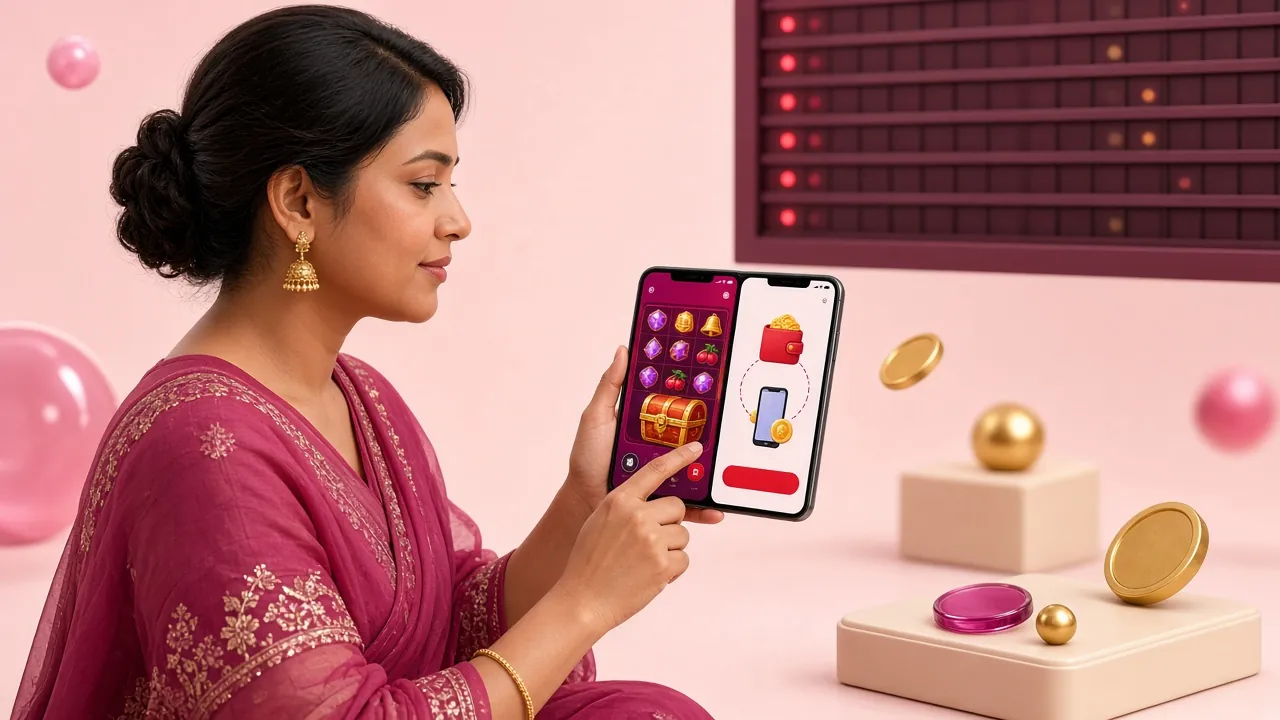
You reach the same account three ways. The password is identical in all of them, but the details you type and the device you type them on are not, and neither are the mistakes people make.
| Route | Where it works | Details you type | Worth knowing |
|---|---|---|---|
| Mobile number | Any browser, phone or laptop | 11 digits starting 01, then your password | The default route and the one support will ask you about first. |
| Username | Browser and Android app | The username saved in your profile, then your password | Useful on a shared computer where you would rather not show your number. |
| App session | Android app, version 2.8.10 | Number or username once, then the saved session | Stays signed in until you tap Log out or clear the app data. |
Whichever route you pick, the password is the same one. Changing it in the app changes it for the browser straight away, so there is never a second password to remember or to keep in sync.
Log in step by step on phone or laptop
-
01
Open the login page
Type 3sbd1.org/3sbd1-login/ into the address bar, or tap the bookmark you saved earlier. The form sits directly under the page title, so you never scroll to find it, even on a small screen. Save the bookmark once and skip the typing next time.
-
02
Enter your registered number
Use the 11 digits you signed up with, beginning 01, and leave out spaces, dashes and +88. If you keep two SIMs, pick the one that received the welcome message, because that is the number tied to your balance and your withdrawal requests.
-
03
Add the password by hand
Type it rather than accepting an old autofilled entry. If the dots look shorter than the password you remember, caps lock or a switched keyboard layout is usually the reason. Fix that before you submit, because three wrong tries only slow you down.
-
04
Choose your session and log in
Tick Keep me signed in only when the phone is yours alone; on a shared handset leave the box empty. Tap Log In and the lobby opens with your balance, open bets and the casino floor where you left them.
Reset a forgotten password in three steps
If the password is gone, do not open a second account over it. Recovery keeps your balance, your deposit history and any bonus still running, and it takes three short steps on the same page as the login form.
-
01
Ask for a reset code
On the login page, tap the link under the password field and enter the mobile number on the account. The code goes out by SMS to that number, not to email, so keep the handset beside you while you work.
-
02
Confirm and set a new password
Type the code as it arrives, then choose a password you have not used on another site. Something long that you can type without looking is stronger than a short scramble of symbols you will need to write down.
-
03
Sign in again everywhere
Save the new password in your phone's manager, or note it somewhere at home. Log in once on the browser and once in the app if you use both; any device still holding the old session will need the new details.
Login questions answered: codes, locks and app sessions
01 The form says my password is wrong, but I know it is right. Why?
Nearly every case is the field receiving something you did not intend. Caps lock, an active Bangla keyboard layout, or a stray space copied along with the password will do it. Type the password into a notes app where every character is visible, compare it with what you meant to write, then retype it into the login form by hand.
02 I changed my phone number. Can I still use the same login?
Only if the number is updated first. Sign in while the old SIM still works, open your profile and change the contact number, or ask live chat to start the change for you. Once the old SIM is dead, recovery slows down badly, because the reset code only travels to the number registered on the account.
03 Is it safe to log in on a cyber café computer?
For a quick balance check, yes, provided you leave Keep me signed in empty and tap Log out before you leave the desk. A private window is better, because nothing is stored afterwards. Never type your password on a machine you will not control again, and never let a stranger watch the keyboard while you do it.
04 Does the app login use the same password?
Yes. Your number, username and password are the same in both places, and a change made in one is live in the other immediately. The app keeps the session open until you tap Log out, which is exactly why it is worth adding a screen lock to your phone. The current APK is on the app page.
05 Why does 3sbd1 login sometimes ask for a code?
We ask for a one-time code when a sign-in arrives from a device or city we have not seen before, or when a withdrawal is requested at the same time. The code goes to the registered number by SMS. If it has not landed after a minute, request a second one and check your blocked messages folder.
06 What happens after too many failed attempts?
Sign-in on that number pauses for a short while and the form shows a message instead of accepting another guess. Waiting is the fastest route back. If you cannot recall the password, use the reset steps above rather than trying more combinations: the pause clears on its own and the new password works when it does.
Not the fix you needed? Live chat is open 24/7 and can confirm whether your number holds an account. With no account yet, register here and start from a ৳150 deposit; if you mostly play on your phone, install the app and sign in there. Payment timings are listed in the deposit guide.
Sign-in details are sent over an encrypted connection and stored against your account only. We do not ask for your password by phone, SMS or social media, and no member of staff will ever request a one-time code from you.
Privacy Policy